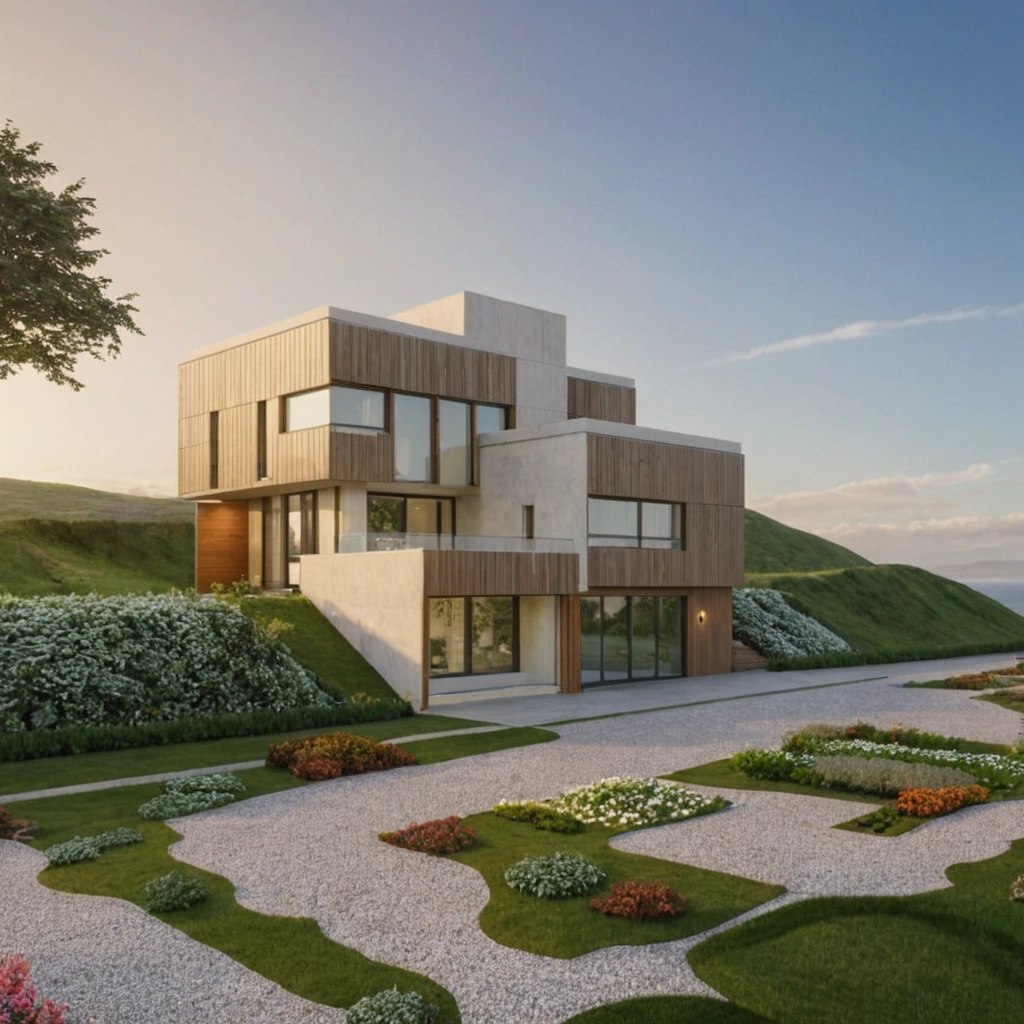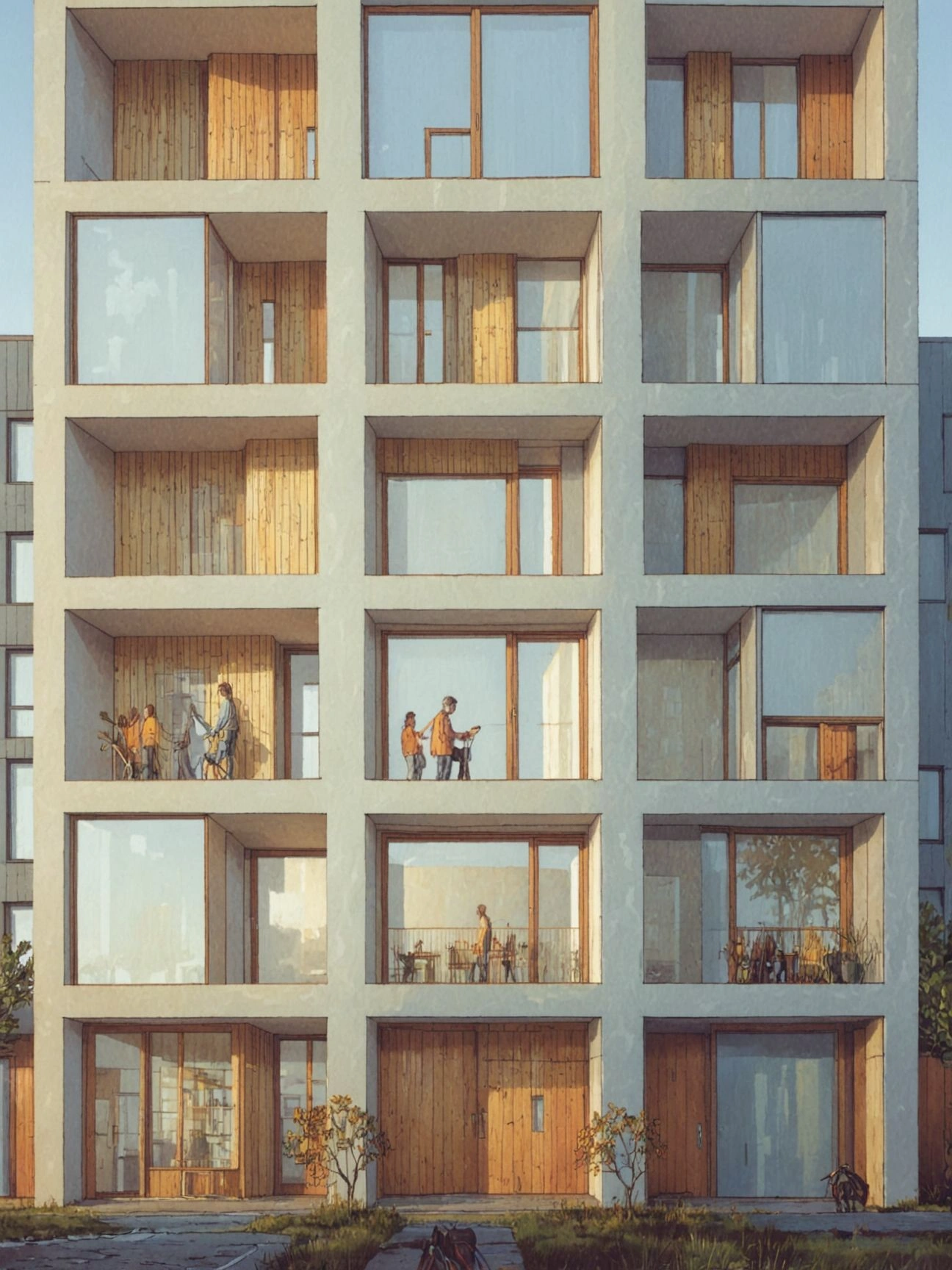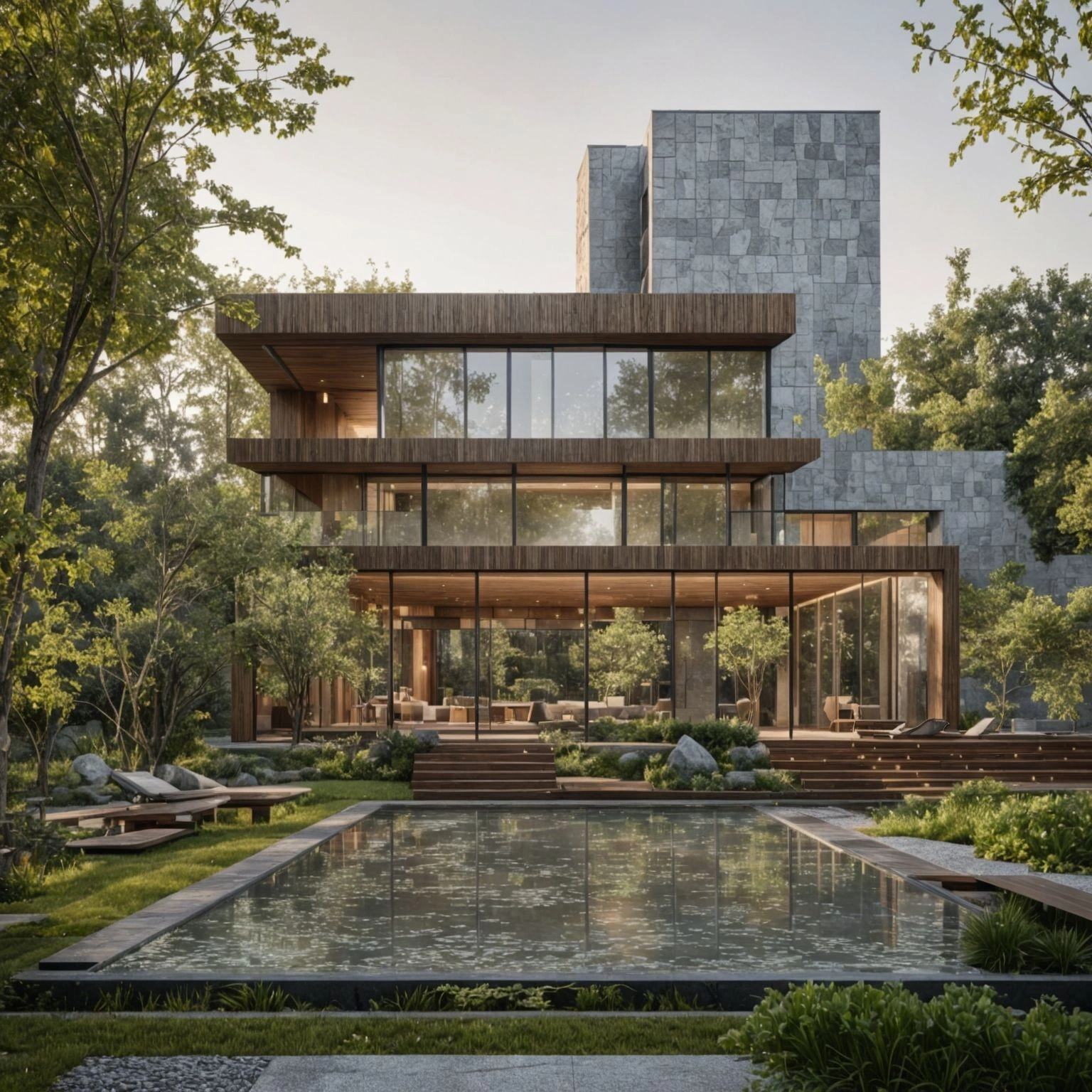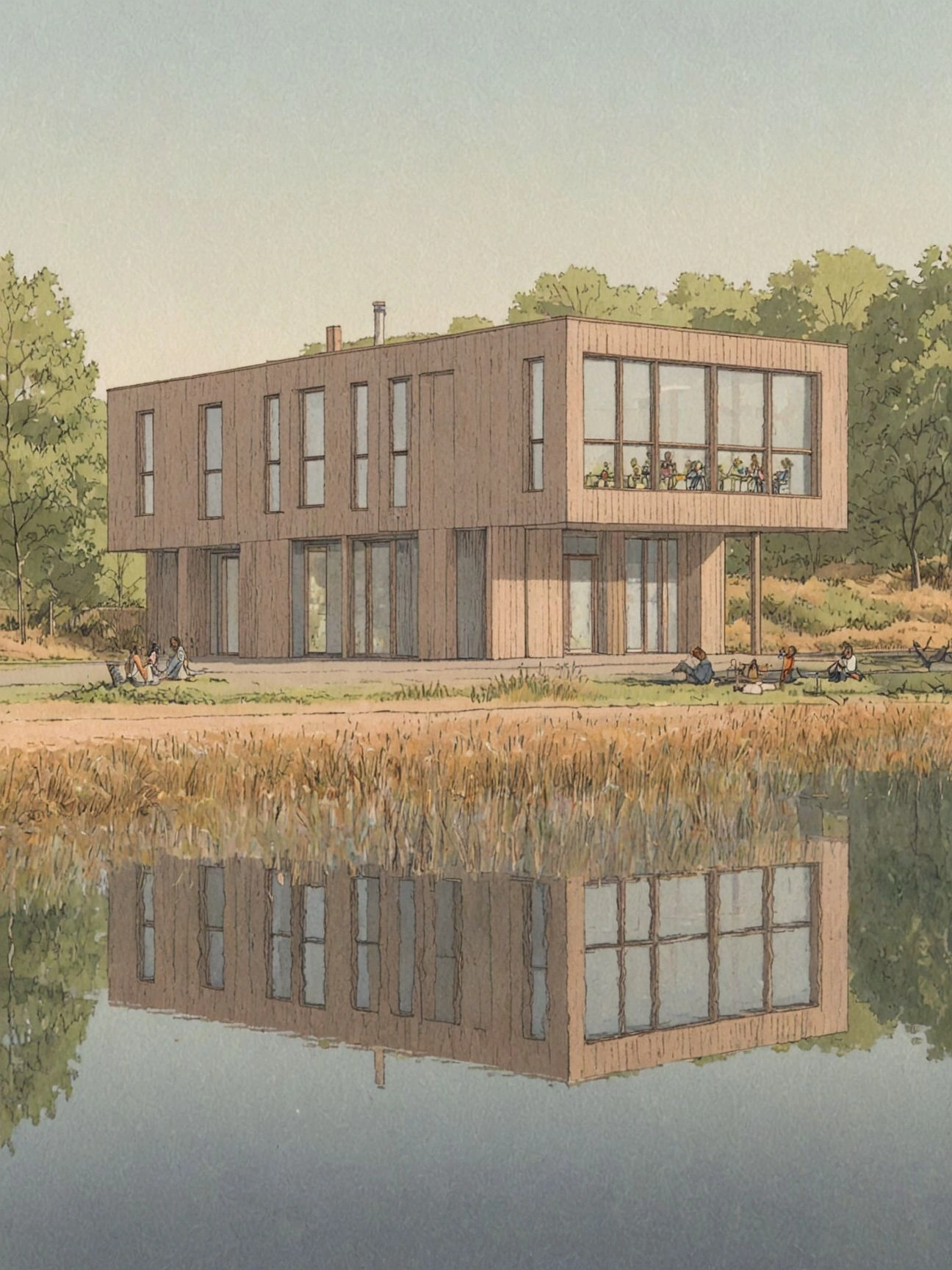

AI Rendering
In Your Studio Style

Control every detail instead of settling for generic AI output. Photorealistic architectural renders from sketches, CAD drawings and 3D models.

20,000+ architects & designers200,000+ generations11,000+ unique projects

Used by architects & interior designers at

Mikhail Riches Logo
Morgan Architects Logo
Cornell Architecture University Logo

AI rendering software for architects

What is Fenestra?

Fenestra is AI rendering software for architects and interior designers, turning sketches, CAD drawings, photos, and 3D models into photorealistic renders and animations inside one browser-based studio.

From Concept To Animation

Leverage best in class AI Models to bring any design to life, in any style with natural langauge and no training required.

Edit Mode

Video

Create Mode

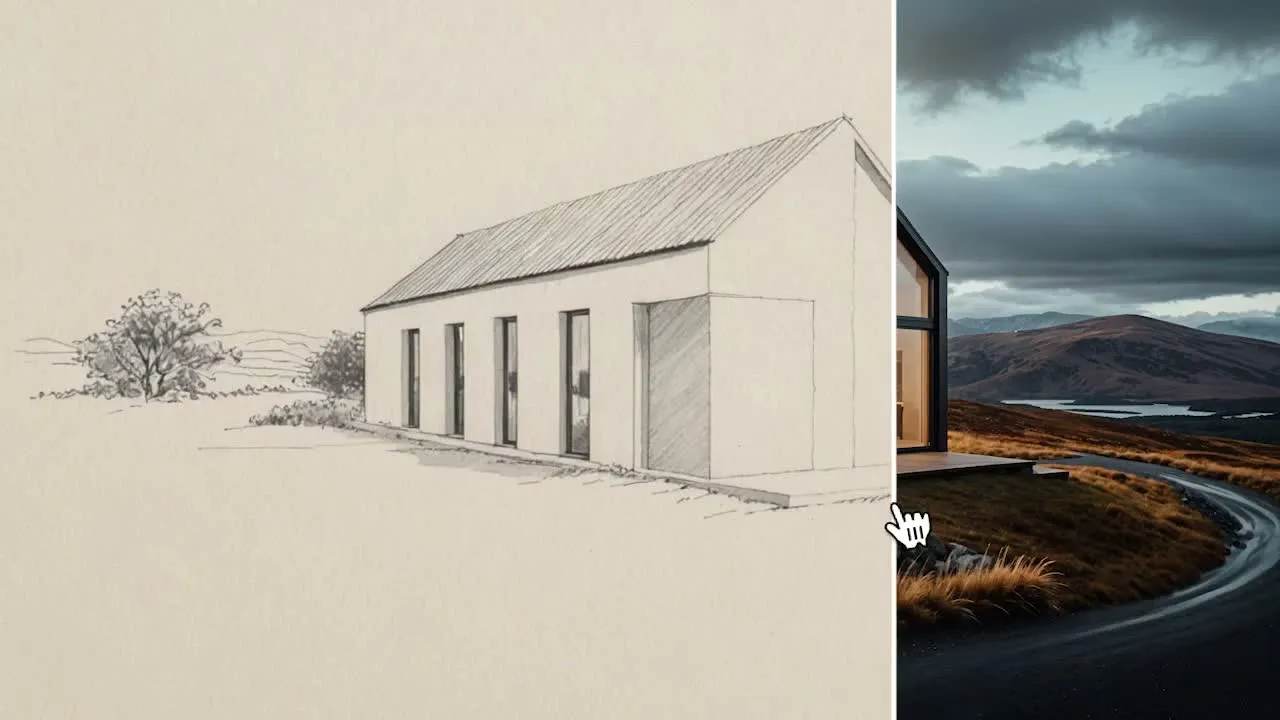
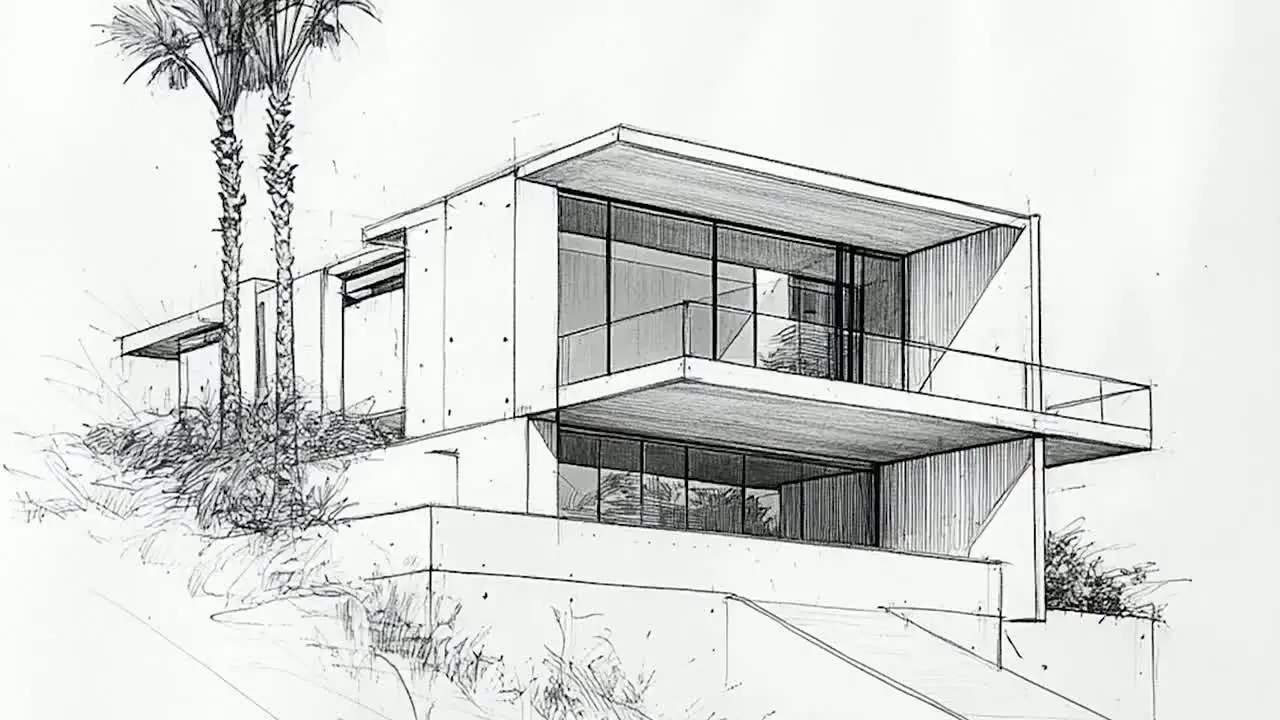
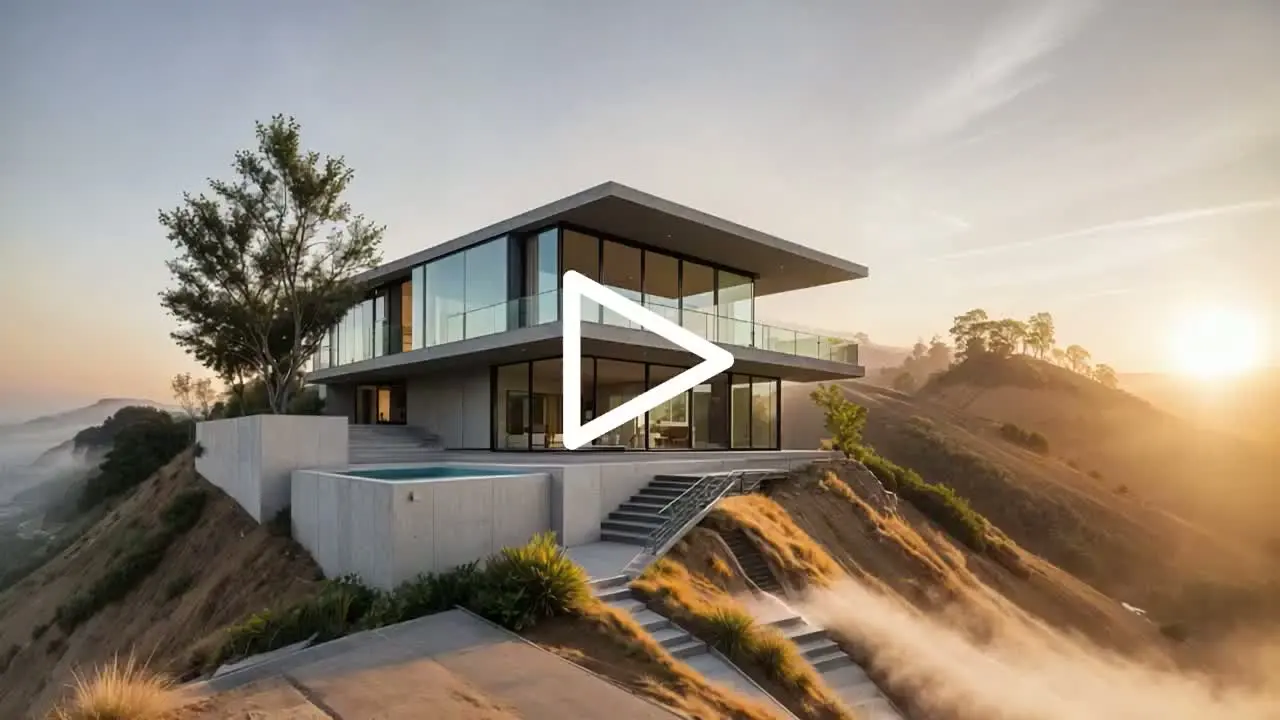
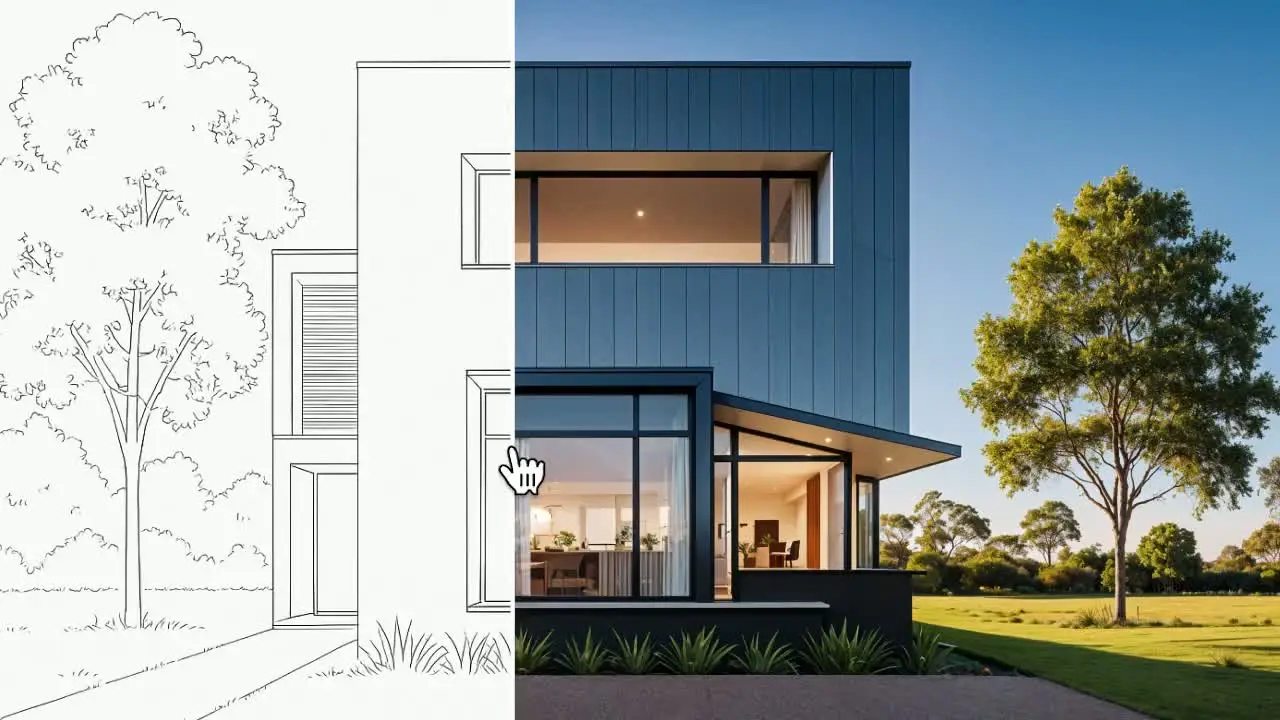
Transform sketches, elevations and 3D models into photorealistic architectural renderings in seconds.

Edit Mode

Add People, subtract furniture, and modify facades in your designs with natural language.

Enhance Mode

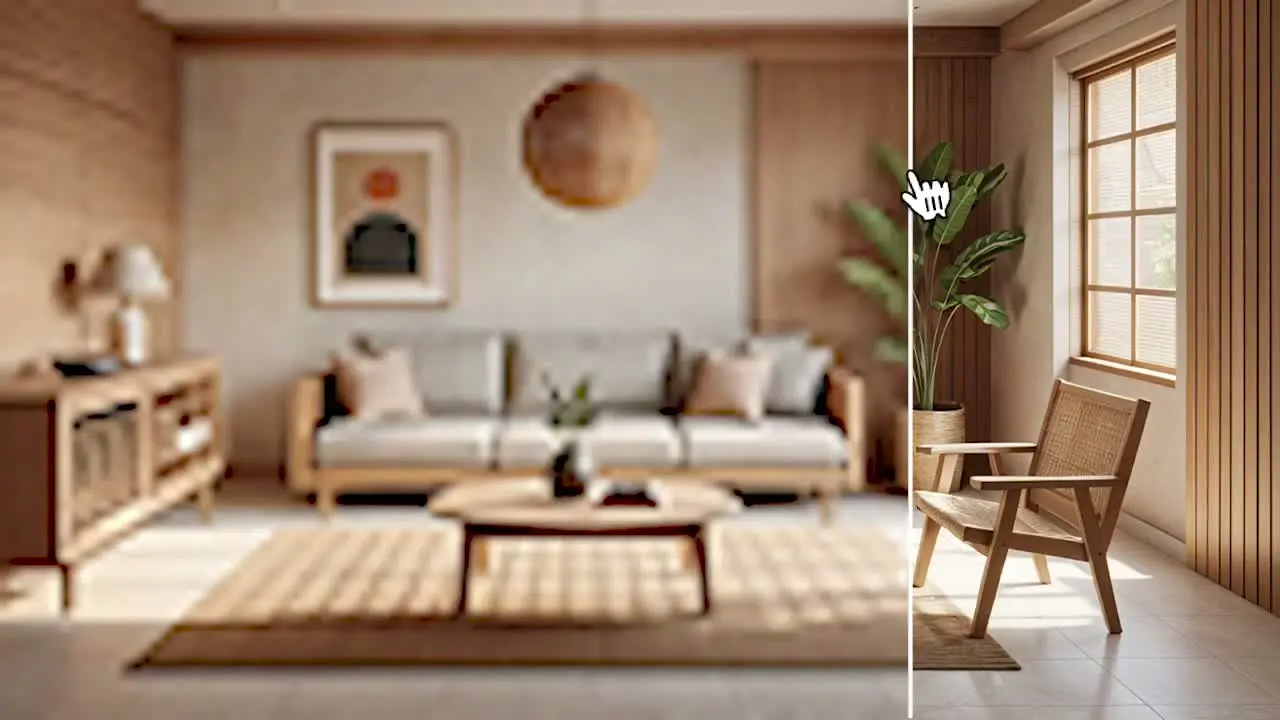
Sharpen existing renderings, or add extra detail to your designs with a single click.

Animate Mode

Use Cinematic Presets to bring your visualizations to life in seconds.

Loved by design teams

See how architects and designers use Fenestra to go from concept to presentation faster.

Great tool for initial concepts. We provide new house and land packages and use Fenestra to update external colour scheme facade renders and floor plans for marketing purposes. Fenestra is a quick way to provide the images to clients to visualise their new home.
Michelle Morrison
Designer · Urbane Homes
Urbane Homes
Fenestra is a great tool and works really well for us. We’re using it to help establish a new internal standard for visualisation across the office, making it easier for high-quality visuals to become part of our standard project package.
Bjørn Polzin
Head of Planning · apoprojekt
apoprojekt
What sets Fenestra apart is the people behind it. The team is always available, genuinely listens to user needs, and provides a level of support that is responsive, approachable, and highly professional.
Raquel González
Marketing Team · VAPF
VAPF

What Can Fenestra Do?

Upload a sketch, model, or style reference. Fenestra transforms it into a high-quality render—ready to present, share, or iterate instantly.

Best in Class AI models for Archviz

Hand selected AI models by architects for architects - all in one platform. No more juggling platforms, complicated installations, or steep learning curves. The best tools are now at your fingertips!

Flux Kontext Max icon

Flux Kontext Max

Image

Best for Architecture

Nano Banana icon

Nano Banana

Editing

Image Editing

Nano Banana Pro (2) icon

Nano Banana Pro (2)

Editing

Advanced Editing

Runway Gen-4 icon

Runway Gen-4

Video

Professional Video

Flux Kontext Dev icon

Flux Kontext Dev

Image

Rapid Development

SDXL icon

SDXL

Image

Reference Images

Flux Kontext Pro icon

Flux Kontext Pro

Image

Advanced Visualization

Flux 2 Dev icon

Flux 2 Dev

Image

Quick Generation

Flux 2 Flex icon

Flux 2 Flex

Image

High Fidelity

Flux 2 Pro icon

Flux 2 Pro

Image

Professional Quality

Seedream 4.0 icon

Seedream 4.0

Editing

4K Editing

Qwen Image Edit Plus icon

Qwen Image Edit Plus

Editing

Precise Editing

Seedance 1.0 Pro icon

Seedance 1.0 Pro

Video

1080p Video

Seedance 1.5 Pro icon

Seedance 1.5 Pro

Video

1080p Video & Audio

Seedance 1.0 Lite icon

Seedance 1.0 Lite

Video

Image to Video

Wan 2.2 icon

Wan 2.2

Video

720p Video

Runway Upscale v1 icon

Runway Upscale v1

Image

4K Upscaling

Flux Krea Dev icon

Flux Krea Dev

Image

Cinematic Architecture

Vision To Reality

Take full control of your architectural visualizations with Fenestra. Create stunning renderings using custom styles, reference images, and personalized prompts to perfectly showcase your architectural designs and interior concepts.

Pricing

Fenestra adapts to any workflow, empowering designers to work across mediums—enhancing renderings, refining 3D models, polishing collages, and elevating design sketches

20,000+ architects & designers200,000+ generations11,000+ unique projects

Individual

Perfect for students & solo designers

$16
$8/ mo
Billed yearly ($96/year)saving 20%
200 Credits / month· 4¢ each
  1. ~200 Renders /Month
  2. ~20 Videos /Month
  3. AI Enhanced Prompting
  4. Commercial Use
Popular

Pro

Perfect for Professionals

$56
$28/ mo
Billed yearly ($336/year)saving 20%
1000 Credits / month· 2.8¢ each

30% cheaper per credit than Individual

Private by default · We don't train on your data
  1. ~1000 Renders /Month
  2. ~100 Videos /Month
  3. ~500 Enhanced Renders /Month
  4. 5x Credits
  5. Commercial Use
  6. Image Editing
  7. Fast Support
  8. Fast Rendering
  9. Unlimited Projects
  10. Share 3D
  11. Team Tools (Coming Soon)
Unlimited Edits · ends July 31st

Studio

For professionals and studios creating at scale

$96
$48/ mo
Billed yearly ($576/year)saving 20%
2k4k6k8k
2000 Credits / month· 2.4¢ each

40% cheaper per credit than Individual

Private by default · We don't train on your data
  1. ~2000 Renders /Month
  2. ~200 Videos /Month
  3. ~1000 Enhanced Renders /Month
  4. Commercial Use
  5. Professional Image Editing
  6. Priority Render Speeds
  7. Priority Support
  8. Priority Feature Access
  9. Unlimited Projects
  10. Share 3D
  11. Team Tools (Coming Soon)
Unlimited Edits · ends July 31st

For Teams & Enterprises

One shared credit pool, a style library every seat works from, and centralised billing

Team

Perfect for small teams

$416.67
$208.33/ mo
Billed yearly ($2500/year)saving 20%
5k10k
5000 Credits / month· 4.2¢ each
Private by default · We don't train on your data
  1. up to 5 Seats
  2. 5000 Credits
  3. Shared Credit Pool

Enterprise

Custom solutions with dedicated support and admin features for scale

Let's Chat
  1. Flexible multi-user licensing
  2. Shared Credit Pools
  3. Centralized team admin & billing
  4. Personalized onboarding & support
  5. Shared AI model access

Frequently Asked Questions

Fenestra is AI rendering software for architects and interior designers, turning sketches, CAD drawings, photos, and 3D models into photorealistic renders and animations inside one browser-based studio.
  • Sketch to render
  • CAD drawing to render
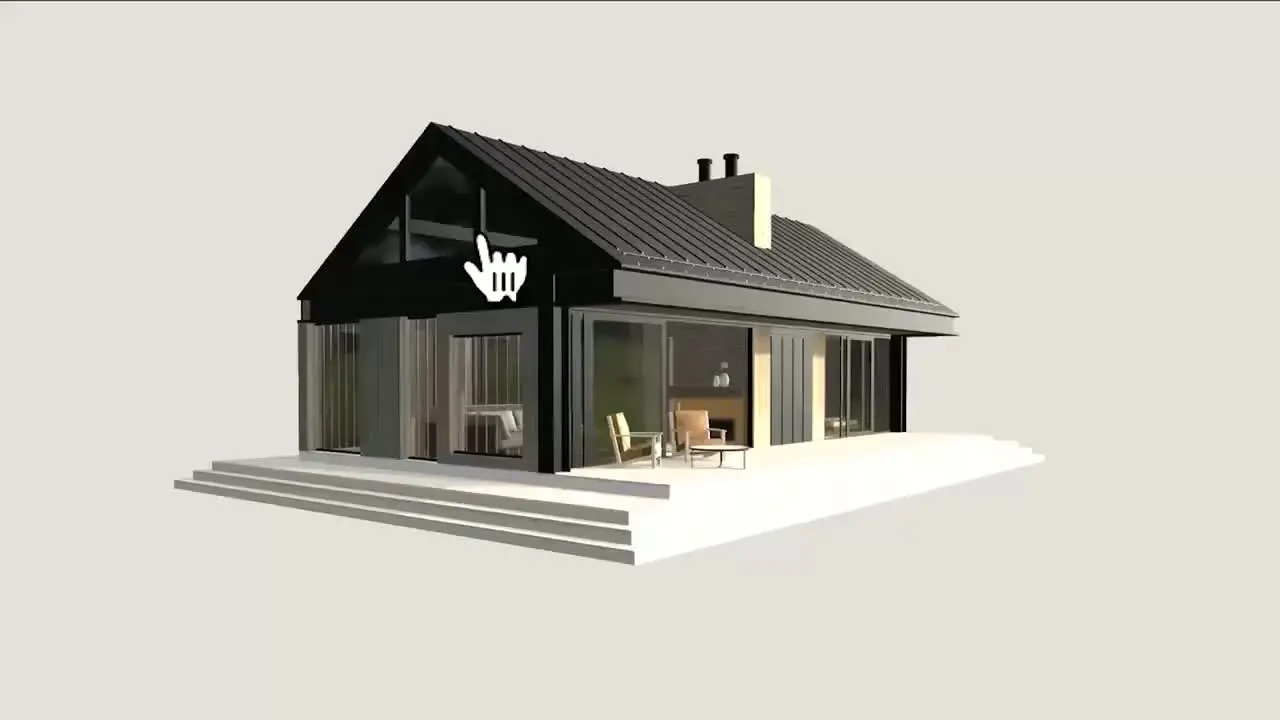
  • Revit, Rhino and SketchUp model to render
  • Virtual staging for empty interiors
  • Realtime rendering as you draw
  • New camera angles from a single image
  • Upscale and enhance to 8K
  • Animated flythrough from a still render

Architects, interior designers, landscape architects, visualisation studios, real estate teams and architecture students. Architects render concept sketches and Revit models for client presentations, interior designers test materials and stage empty rooms, real estate teams stage listing photography, and students produce portfolio visuals without a render farm.
Export your Revit model as FBX or GLB, then import it into Edit or Realtime and render straight from the geometry. Fenestra applies materials, lighting and surroundings with AI, so there is no render engine to set up, no plugin to install and no render farm to wait on.
Yes. Rhino models import natively as 3DM, SketchUp scenes export as GLB or FBX, and 2D AutoCAD drawings come in as a PDF or image in Edit, so plans, sections and elevations can be rendered without rebuilding them in 3D.
Images as JPG, PNG or WEBP, PDF drawings in Edit, and 3D models as GLB, FBX or 3DM. A hand sketch, a CAD export, a viewport screenshot or a full model all work as a starting point.
Open the Video tool, choose a still render, sketch or photo as the start frame, set a duration, then pick a camera move such as pan, dolly or orbit, or one of the presets built for architectural visualisation. Fenestra animates the still into a cinematic flythrough clip for client presentations and marketing — no 3D model and no render farm needed.
Yes. Rendering from an uploaded 3D model or CAD drawing follows the geometry you drew rather than inventing its own, and applies materials, lighting and context on top. Masked edits change one part of an image and leave the rest untouched, and camera control moves the view without redrawing the design.
No. Fenestra runs entirely in the browser. There is no plugin to add to your CAD software, no render engine to configure and no dedicated GPU needed, so you can render from any machine including a laptop.
Those are desktop render engines that expect a finished 3D model, a full material and lighting setup, and a capable workstation. Fenestra is AI-native and browser-based, rendering from a sketch, a CAD drawing, a photo or a model in seconds, so it is useful from the first concept sketch rather than only at the presentation stage.
Individual is $10 per month with 200 credits, Pro is $35 per month with 1000 credits, Studio starts at $60 per month, and Team starts at $250 per month for 5 seats on a shared credit pool. Annual billing saves 20% on every paid plan, and the credit cost of a generation is shown before you run it.
Yes. Individual, Pro and Studio plans include a commercial licence for a single user. Team plans include full commercial use for every seat, which suits practices, visualisation studios and real estate teams producing client work.
Yes. Team plans start at $250 per month for 5 seats and scale to 25, and every seat draws from one shared credit pool rather than a per-user allowance. Saved styles, assets and projects are shared across the team, so everyone renders from the same style library, and every seat carries a full commercial licence.
Custom model training is an Enterprise service. Get in touch and we will train a model on your practice's past projects so renders come out in your house style. On every other plan you can upload your own style references and apply them to any image with Custom Styles.
All data is stored securely and is not shared with third parties. Custom trained models are your own and not shared.