Realtime AI Rendering
Like Nano Banana 2 but much faster.

Shaun McCallum
March 30, 2026Recently we teased realtime ai rendering and a lot of you signed up for access so you’re first to hear about this. If you have used Nano Banana 2, you already understand how powerful AI rendering and editing images can be. It’s like that, but much faster.
What we have been building takes that same idea, but brings it into realtime.
You can now edit images, 3D models, and styles instantly with simple prompts. Instead of generating, waiting, and retrying, you stay in flow and iterate continuously as you design.
It works best when you start with a solid sketch or 3D model. From there you can explore materials, lighting, environments, and even weather conditions in milliseconds, making it much easier to test ideas and move quickly.
We have also introduced a set of built-in styles that are one click away while in realtime:
- Photorealistic outputs with no prompts
- Vector styles
- Focused concept visuals
- Sketch styles
- Anime and manga
Switching between these is instant, so you can compare directions and make decisions without slowing down.
From today, realtime is available to all subscribers in alpha (https://alpha.fenestra.app).
Over the next week, we will be transitioning everyone over to the alpha user interface, so expect rapid improvements as we continue refining it
Give it a try and let us know what you think. What works, what doesn’t and what you want to see next.
Try Realtime Today!
Render Now!Related Articles
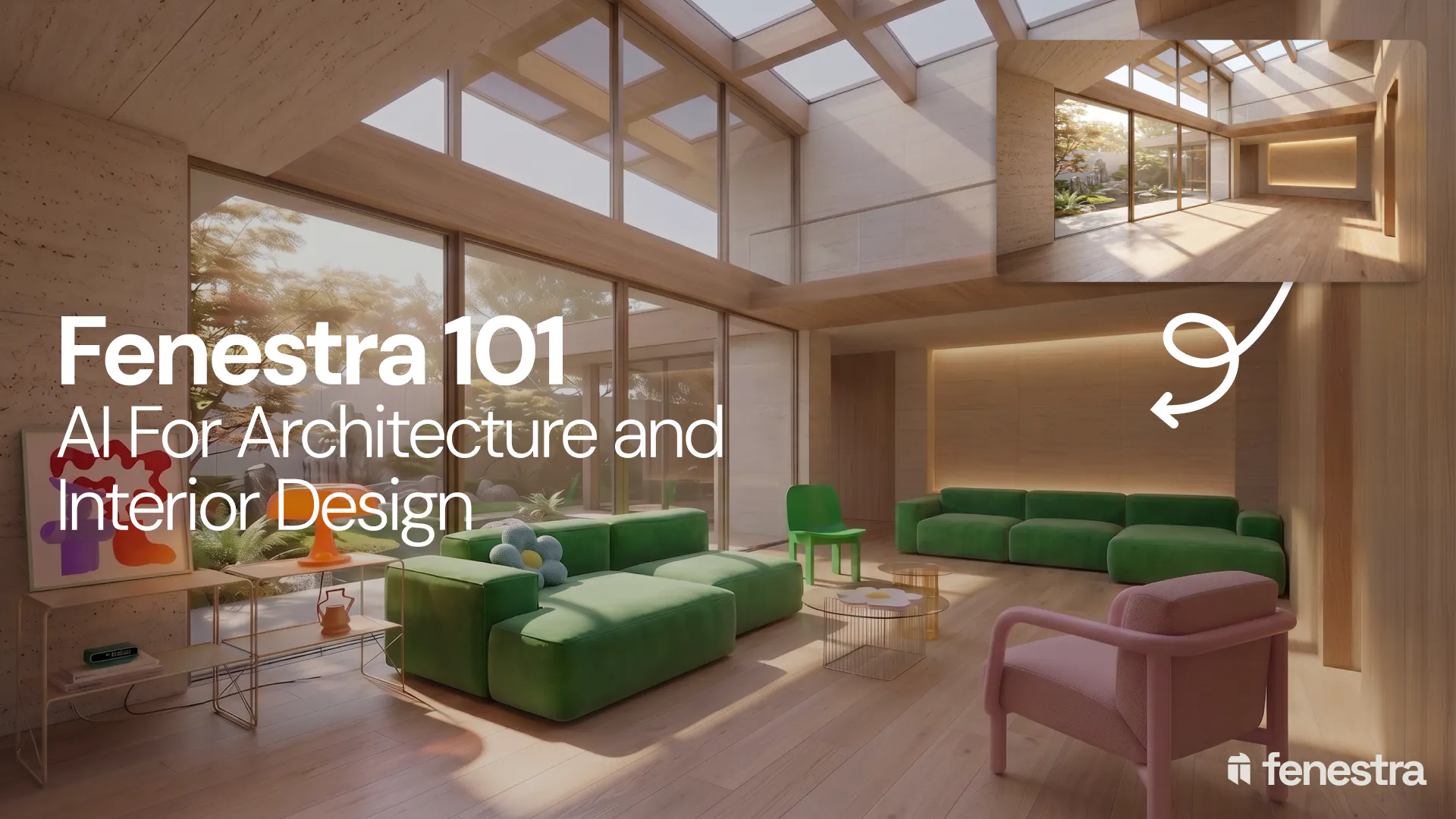
Fenestra 101: Sketch to Render, Virtual Staging and AI Editing for Architects & Interior Designers
In this introductory Fenestra webinar, we walk through the core tools architects and designers can use to turn early ideas into visual concepts. The session covers sketch to render workflows, virtual staging, adding furniture, editing images, removing elements and using AI to quickly explore design directions.
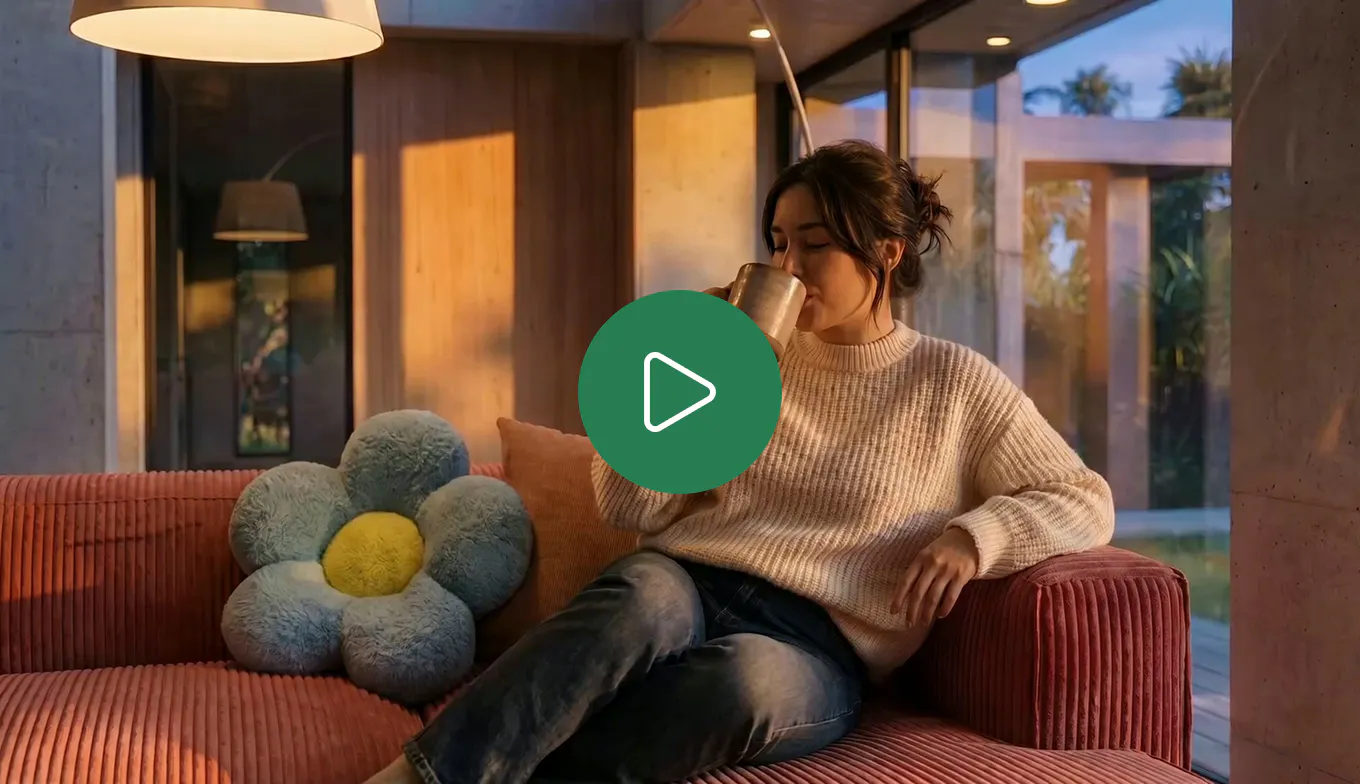
How to Create Interior and Architectural Animations with AI
Turn a single render into a cinematic interior or architectural animation. Use LTX 2.3 and Seedance 2.0 Mini in Fenestra to create walkthroughs, flythroughs and ambient project videos without a 3D model or render farm.
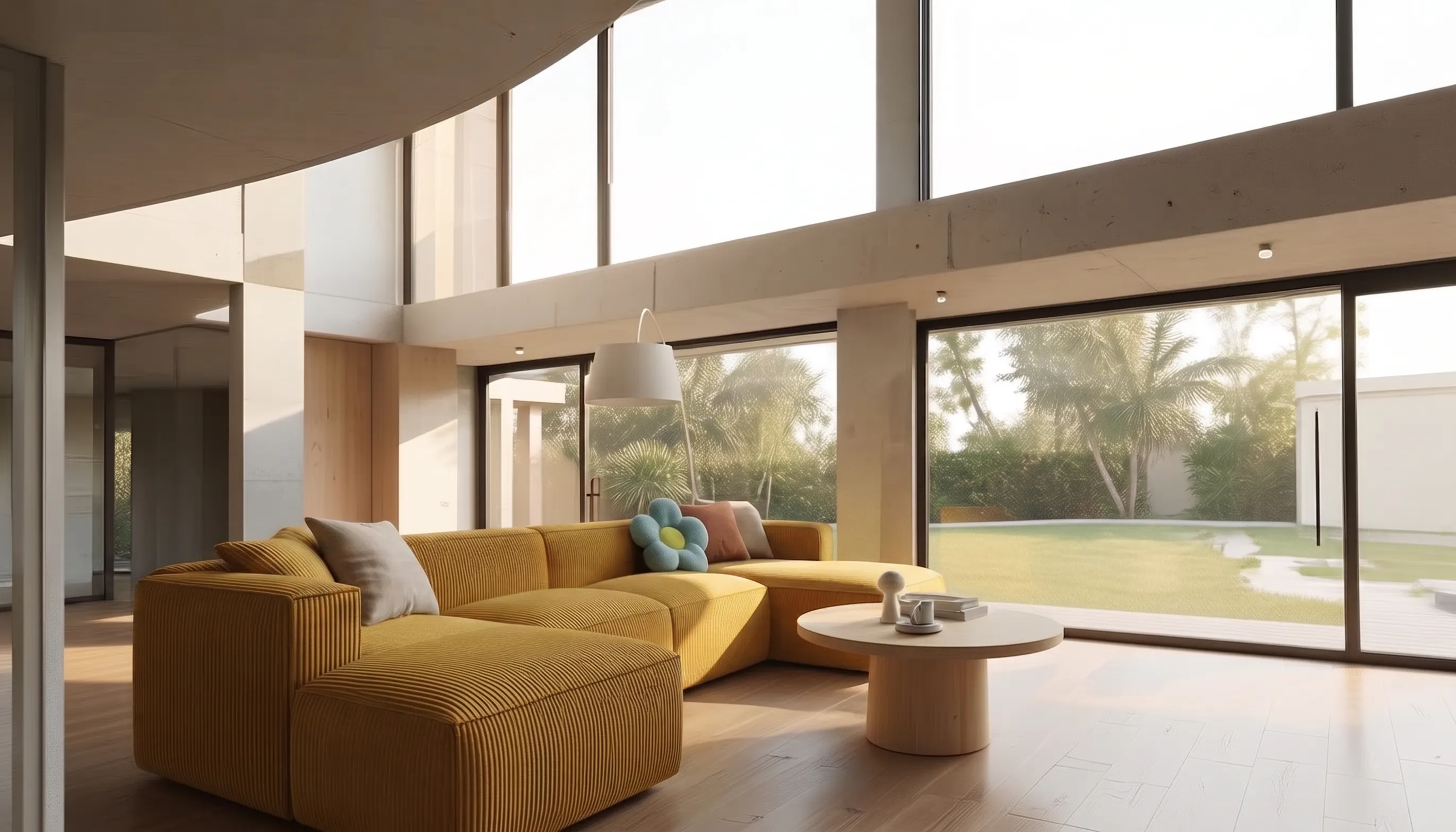
How to Make a Scrolling Website for an Architecture Project
Turn architectural renders and videos into a scrollable project website your client can explore by scrolling.
