Nano Banana 2 is Now in Fenestra
Day-zero access to Nano Banana 2 in Fenestra. Strong spatial understanding, cleaner text, and fast interior and material studies!

Shaun McCallum
February 26, 2026Nano Banana 2 is nuts.
As of today, you can use it directly inside Fenestra. We’ve been running early tests to see where it’s already strong.
So far, it’s particularly good at:
- Reading architectural and interior intent
- Producing styled interior mockups quickly
- Handling annotated material studies
- Keeping text and callouts surprisingly clean
In the examples above, we pushed from a single exterior into interior visuals and loose material sketches with very little prompt overhead.
You can use Nano Banana 2 now in:
- Sketch to Render
- Conversational Edit
- Add Anything
This is the Day 0 release - give it a spin and let us know what you create.
Nano Banana 2!
Render NowRelated Articles
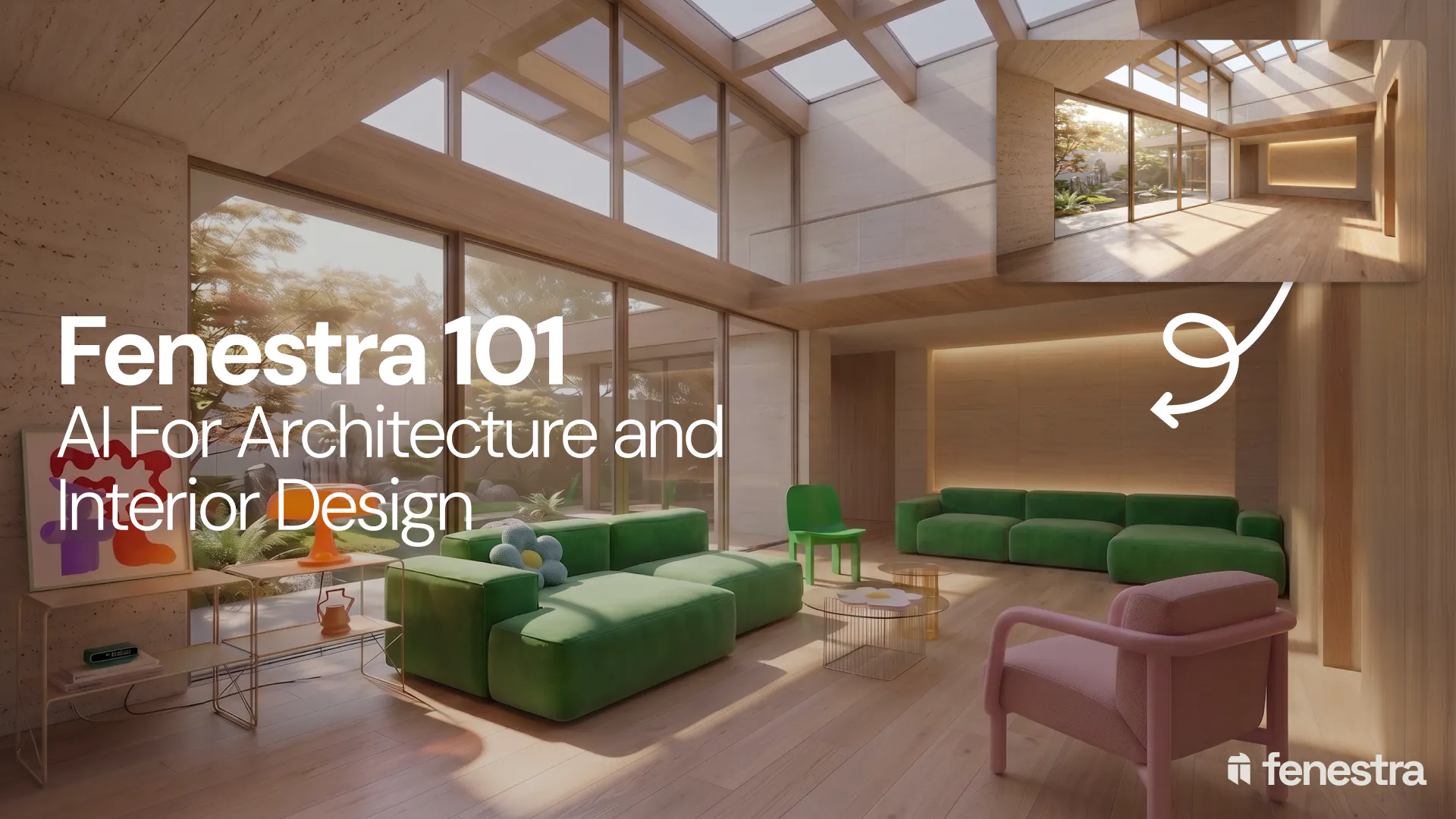
Fenestra 101: Sketch to Render, Virtual Staging and AI Editing for Architects & Interior Designers
In this introductory Fenestra webinar, we walk through the core tools architects and designers can use to turn early ideas into visual concepts. The session covers sketch to render workflows, virtual staging, adding furniture, editing images, removing elements and using AI to quickly explore design directions.
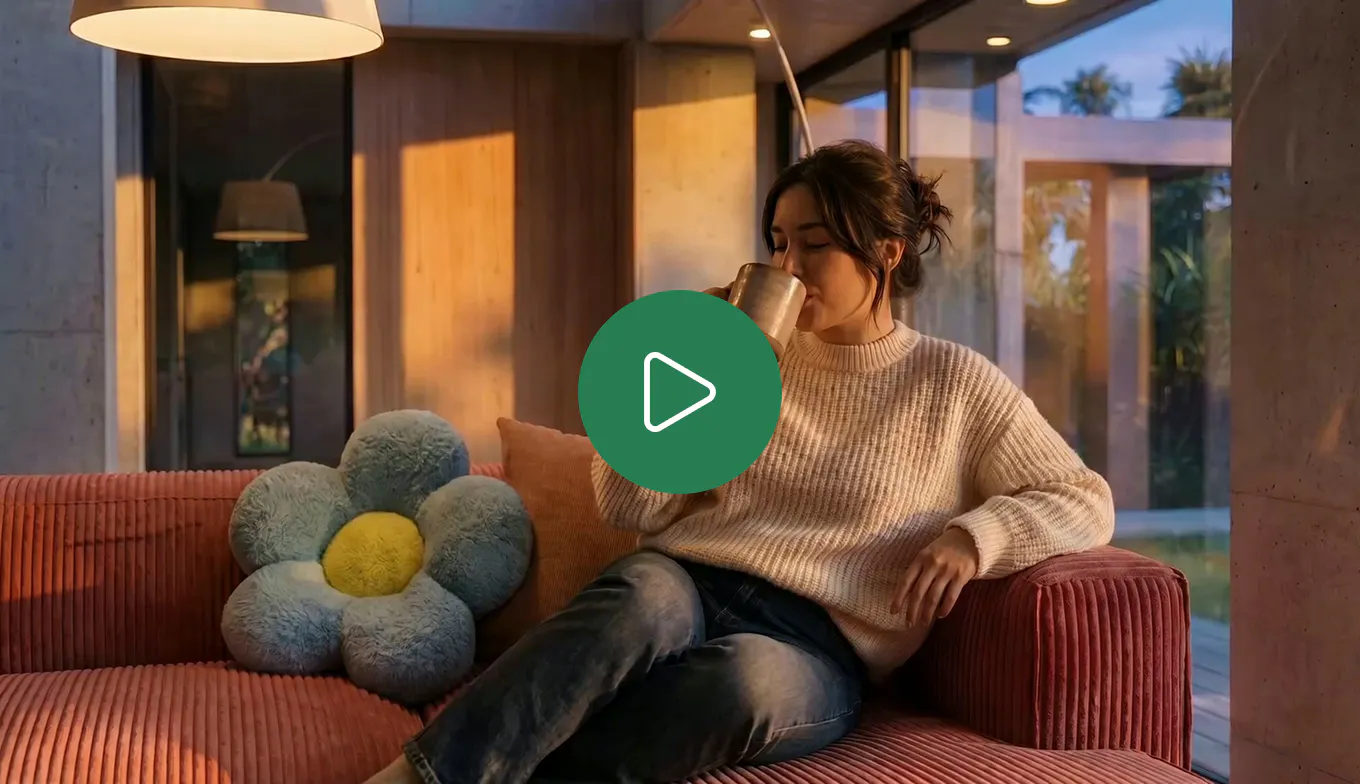
How to Create Interior and Architectural Animations with AI
Turn a single render into a cinematic interior or architectural animation. Use LTX 2.3 and Seedance 2.0 Mini in Fenestra to create walkthroughs, flythroughs and ambient project videos without a 3D model or render farm.
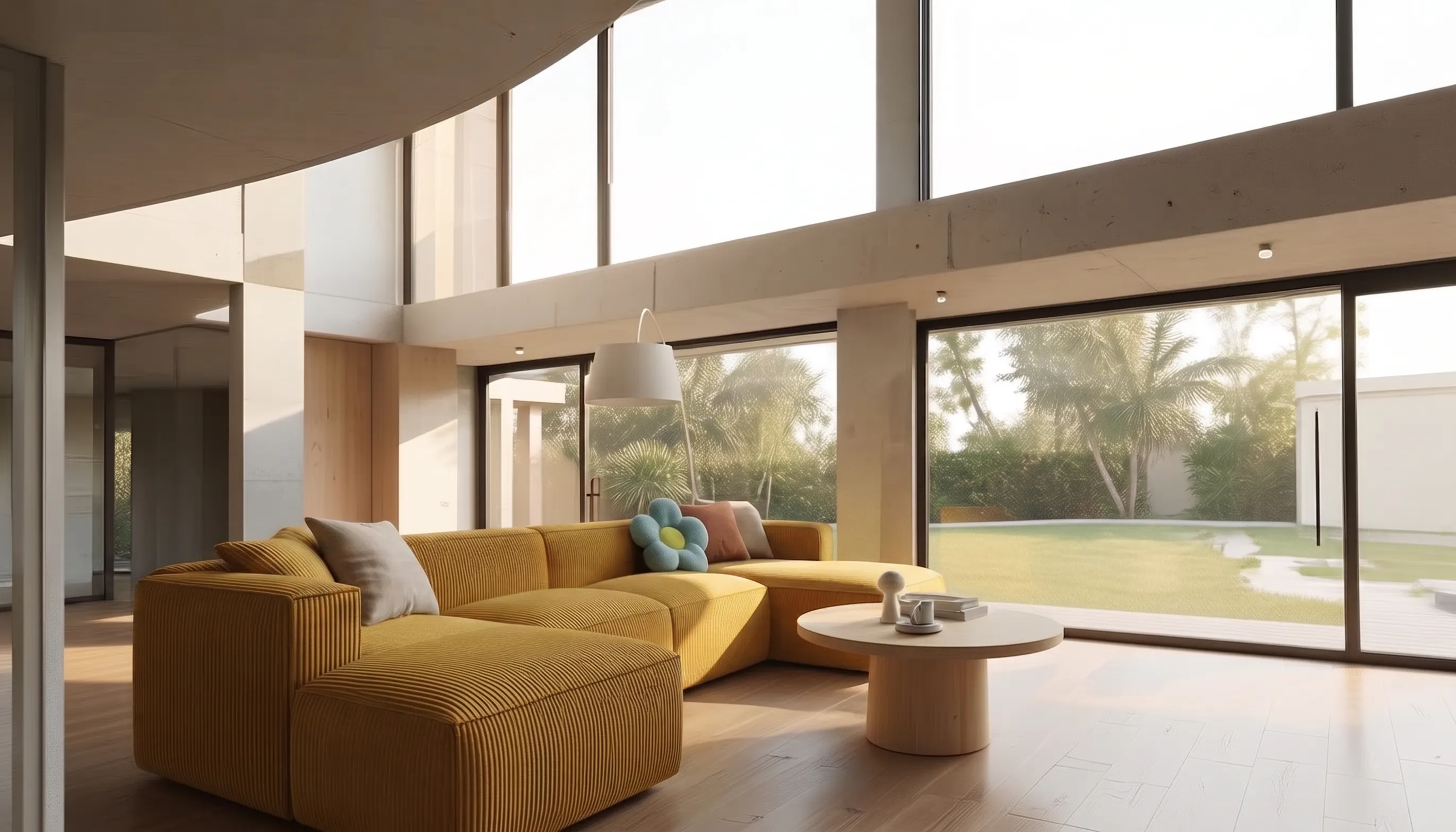
How to Make a Scrolling Website for an Architecture Project
Turn architectural renders and videos into a scrollable project website your client can explore by scrolling.
